
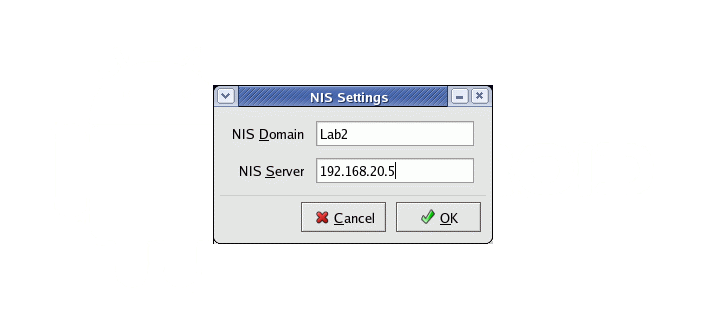
Op de NIS server moet je in NIS hosts als NIS Server Map opgeven (gaat het makkelijkst via YaST).
De hosts file op de NIS server moet zijn:
#
# hosts         This file describes a number of hostname-to-address
#               mappings for the TCP/IP subsystem.  It is mostly
#               used at boot time, when no name servers are running.
#               On small systems, this file can be used instead of a
#               "named" name server.
# Syntax:
#
# IP-Address  Full-Qualified-Hostname  Short-Hostname
#
#
# ATH ip adressen van clients via dhcp moeten overeenkomen met wat hier staat
# zie ook /etc/dhcpd.conf
#
127.0.0.1       localhost.thuis.net localhost

# special IPv6 addresses
::1             localhost ipv6-localhost ipv6-loopback

fe00::0         ipv6-localnet

ff00::0         ipv6-mcastprefix
ff02::1         ipv6-allnodes
ff02::2         ipv6-allrouters
ff02::3         ipv6-allhosts
10.0.0.150      schuurpc.thuis.net schuurpc

#
# thuis.net network
#
10.0.0.151 horizon_media_box.thuis.net horizon_media_box
10.0.0.150 schuurpc.thuis.net schuurpc
    ...          ...             ...
Op de server en ALLE clients moet in /etc/nsswitch.conf aangegeven worden hoe host namen resolved moeten worden. Neem hiervoor de volgende regel op in /etc/nsswitch.conf
hosts: files nis dns mdns_minimal [NOTFOUND=return]
In goed nederlands, eerst kijken in /etc/hosts, daarna nis bevragen daarna dns bevragen.
Als laatste maak je alle NIS tabellen overnieuw op de NIS server:
schuurpc:/ # cd /var/yp
schuurpc: /var/up # make
Zorg ervoor dat ALTIJD de hostnamen en ip-adressen in /etc/dhcpd.conf en /etc/hosts overeenstemmen op de NIS server. Anders ga je je nog een keer het ongeluk zoeken.